

How to Best Use Pinterest’s Board Sections
I sometimes use affiliate links in content. This doesn’t cost you anything but I may make a commission payment from anything you buy through these links. As an Amazon Associate I earn from qualifying purchases. All opinions remain my own.
There’s been talk about Pinterest’s board sections for a while and in November 2018, they started to roll out. For people like me who love to organise, there’s an immediate appeal, especially for the bigger boards. But is there a benefit to organising your boards and spending time sorting them into sections? And how can you do it?
What are board sections?
Let’s start by just looking at the sections as if we were all just avid Pinterest fans. For you, using your own account, sections are a great way to sort out those big boards. If you have saved stuff to actually use at some point, it can take ages to search through boards with 1000s of pins on them.
So for my big account, I have some big food and drink boards. One whopper is my Cocktails and Spirits board (I’m a cocktail fan). So I can now sort them out and separate them into sections to cover some of the bigger areas. I have sections for Vodka and Vodka Cocktails and another for Rum and Rum Cocktails. Another one is for Sangria and Punch Recipes.
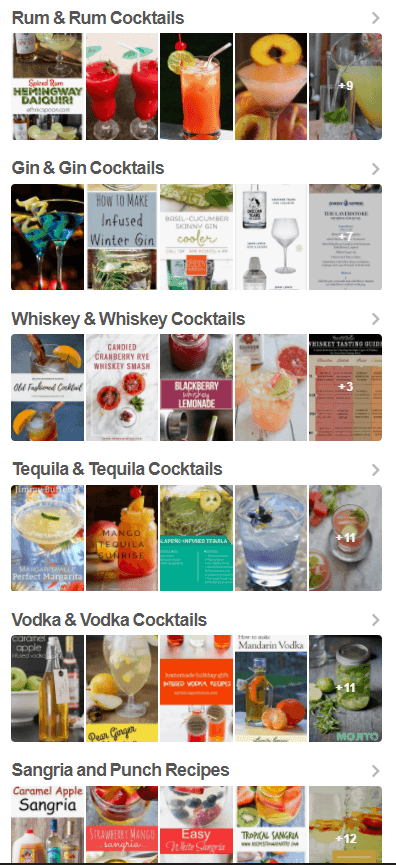
Not every pin needs to go into a section. And if you find duplicates, well move one to a section and leave one alone. I tend to aim to use sections where there are 20 or more pins for a topic. And then there’s the potential that they may become searchable at a later date to remember your good keyword practices when naming them.
There were some concerns about editing or deleting a section when they were first discussed. You can easily edit a section with the same pen icon as to edit a board. And if you decide you want to get rid of a section, you can delete it. Not sure where the pins go so I would move them out first.
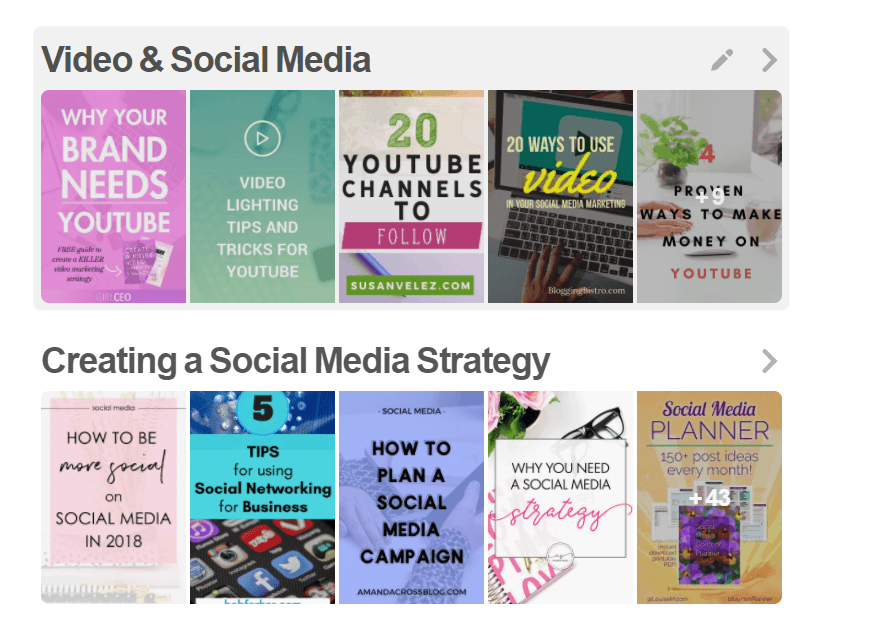
How to work with sections
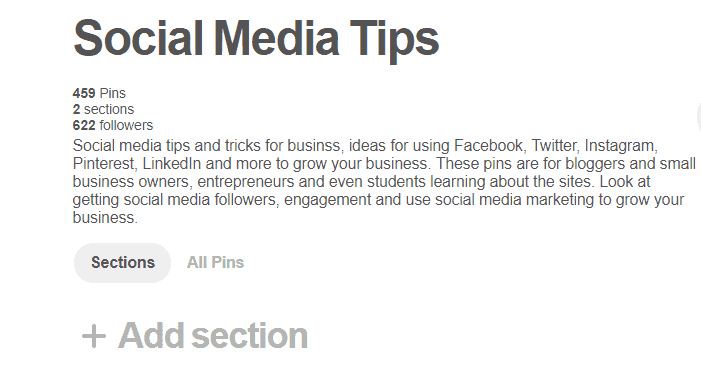
Creating a section is simple – when you go to any board there’s an option to add sections. You name it (remember those keywords) and you have a new section, waiting to go. To move pins into it, go to the board and hit ‘organise’ then start highlighting pins to move. You can only move 50 at once so keep a watch on the tally at the top.
Once you have all the pins or at least 50 of them, select move and the section will appear in the menu below the board. Select that and Pinterest will move all pins to that section for you. Instantly filled board section!
At the minute, you can’t schedule your pins to a section using tools like Tailwind. According to them, they will consider adding this at a later date if the sections become searchable. But for now, add them to the board and then just do a periodical tidy-up to pop them into the sections.
You might also like The Most Important 5 Questions About Pinterest Followers Answered from Skylark Virtual Services
Are there any benefits to using board sections?
So from a blogger or business owner perspective, is there any benefit to using Pinterest’s board sections?
According to Pinterest:
“Currently, (using Pinterest board sections) does not (have an impact on search), it’s really a Pinner feature that we mainly did to help you guys organize your Pins. So this was us really wanting to put our Pinners first here, making it easier for you to use Pinterest and have a really great experience. But if something changes we’ll definitely keep you posted.”
So this means that there’s no benefit from a marketing viewpoint. However, I do think if you have a spare half an hour it can be worth adding a few sections for a couple of reasons:
- Tidies up big boards and allows visitors to easily find what they want
- Helps you see areas you want to add more content to within a board
- Fulfils that organisational need (might just be me though)
I have also used them as a way to prepare content for a new board. So you can create a section and move a load of pins to it. Then you can make a new board and select the pins in the section then move them to the new board. After that, you can just delete the section.
I wouldn’t spend too much time on them or stress if you don’t have any board sections – they are a bit like board covers. But for those times when you have a spare minute and don’t know what to do with it, board sections can be a good thing to do. And if they do become something useful down the line from a marketing view, you are ready to go!
Have you tried using board sections yet? I’d love to hear your opinions!





Hi,
Thanks for this Great article, I will follow this instantly. And useful to anybody. I also started to blogging website recently. And I’m trying to succeed as a blogger.
Look at website https://digitalown.com/
Thanks