Top Free and Paid Stock Image Sites for Blog Photos
I sometimes use affiliate links in content. This doesn’t cost you anything but I may make a commission payment from anything you buy through these links. As an Amazon Associate I earn from qualifying purchases. All opinions remain my own.
There’s a good chance that when you have a blog or even an online business, you will need stock images. Because even if you take your own photos, there are going to be times when you need an image that you haven’t snapped yourself or you simply don’t have the stuff to take.
That’s where stock image sites come in and there are lots of great free and paid ones to find the perfect image.
Table of Contents
Using free and paid stock images
There are some solid reasons for using images from stock photo websites on your site. Top of the list is that you can get lots that are free and others that can be very cost-effective. There is a huge range of them available and you can nearly always find something that fits in with what you are writing about.
And in some cases, stock photos can outperform custom design images for reach and engagement when also used on social media.

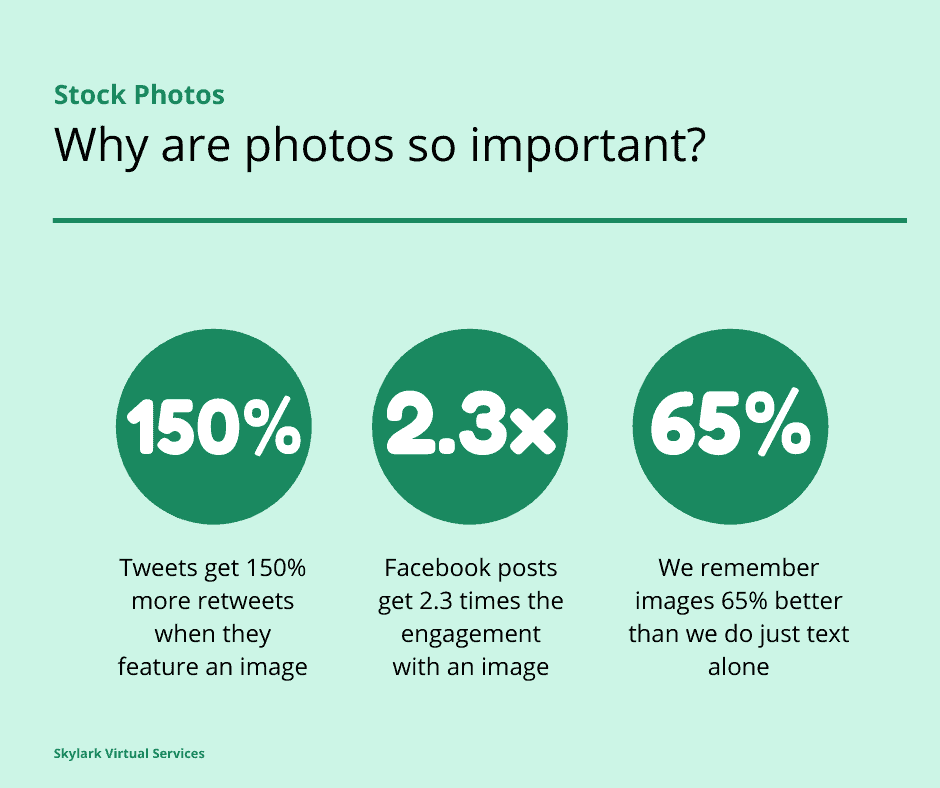
But why even include images at all? Here are a few stats if you believe that maybe you don’t need images in your posts and social media content:
- Tweets with images get 150% more retweets than those without them
- Facebook posts have 2.3x more engagement when there’s an image
- Neither Pinterest nor Instagram works without images
- Readers don’t like big blocks of unbroken text and are more liable to bounce off your site if there are no images breaking it up
- Image SEO is another potential way to show up in search engine results with the right use of the ALT tag
Finally, there are some figures on images in general. If you hear some information, three days later around 10% of it will be in your head. But if there’s a picture associated with the information, that memory increases to 65% of what you heard. That’s why billboard advertising is so powerful.
Editing stock photos
One of the biggest problems with stock image sites is that everyone has access to them. And this means you can end up with images that are seen elsewhere. That’s where editing the photos comes in and in the majority of cases, you can do this with no problem.
The key to editing a photo is to think about what you want from it. Do you want to use it for a Pinterest image and have an area of white space for a headline? Is it to be used as a background for text on a blog post featured image and need to be a horizontal shape? Figure out what you need before you start, and this will help with editing.
You can also check out my friend Robyn’s 7 Steps to Editing which is a brilliant step-by-step process to help edit any kind of photo and works on stock images perfectly!
My favourite free sites
When I first started looking for free stock image sites, I ended up with a huge list and was spending way too much time going through looking at them all.
So I cut it down to three or four that I use primarily and then a few others I try if I can’t find what I want at these. With any site, always check the use and license on the images before using them to ensure you don’t run into problems with copyright – I’m definitely not a lawyer!
Pixabay
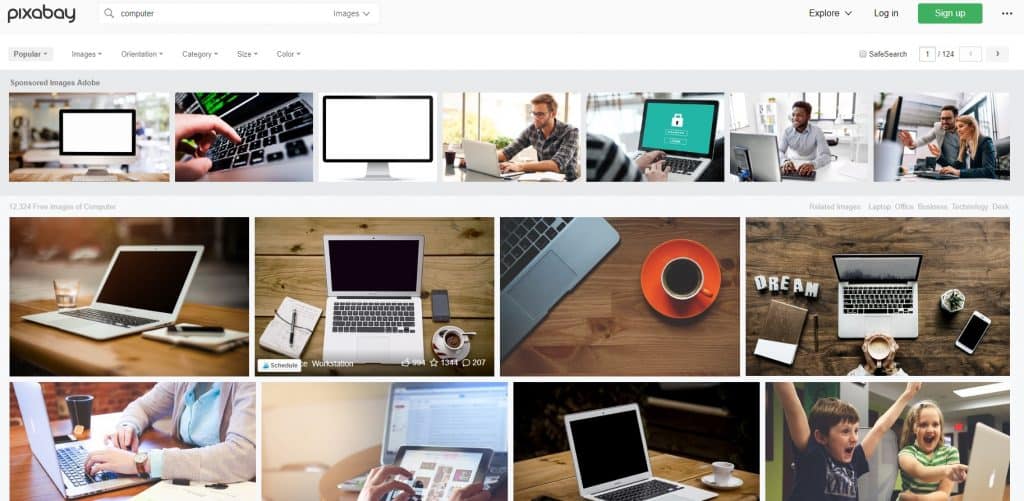
Pixabay is a great site for almost every type of image including vector graphics and illustrations. You can type a word or phrase into the search bar, and it will bring up content that is tagged the same or that it thinks is relevant.
The images are royalty-free and there’s no requirement to give credit although it is appreciated. There are sponsored (paid) images along the top of any search results but usually plenty of options in the free section.
Unsplash
Another of my go-to sites is Unsplash which also has a huge range of royalty-free images – but a credit is always welcome, and they provide a popup with the text you can copy to add this. You can search by a keyword and it will bring up photos, collections, and users based on what you type as well as other keyword suggestions along the top.
Pexels
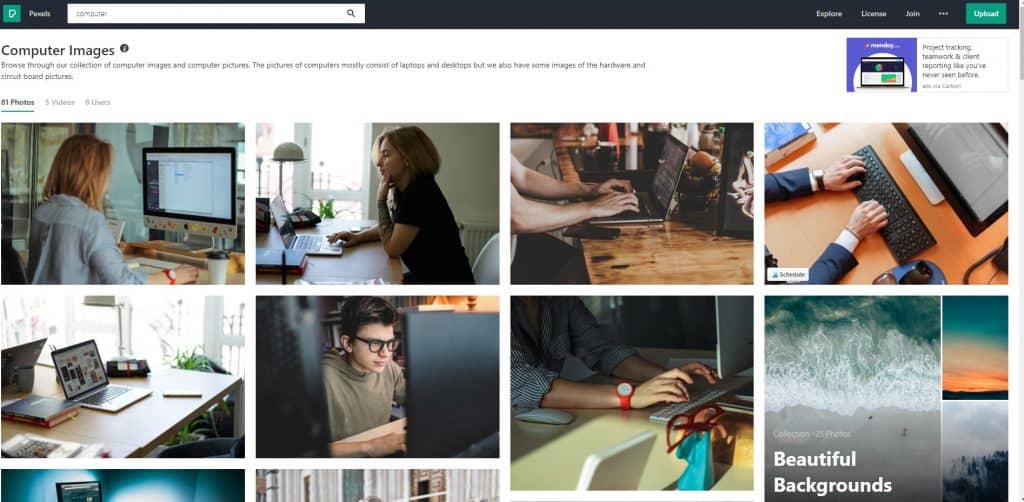
Pexels is very much like Unsplash but there are different photos on the two. Both offer very stylish and classy photos but not so much in illustrations or vector graphics. It also shows collections in addition to the results of a search and there are videos available. Credit is welcome but you can use and edit these photos without it.
Canva
If you have free or paid access to Canva, then you also have access to their stock photo library. There are two parts – free images and paid images. You get access to some free images as a free Canva user but a LOT more if you have a paid subscription to Pro. And they are very high-class images too.
Other top free stock image sites
These are some of the other top free stock image sites that have been recommended to me, although I’ve not yet used them that much myself.
Negative Space
Negative Space offers a search bar option or if you are unsure quite what you need, there are categories. These offer collections of images and can help you narrow down what you are looking for. Each image has tags when you tap on it and these can also be used for a related search. Images are CC0 so they are free to use.
Picjumbo
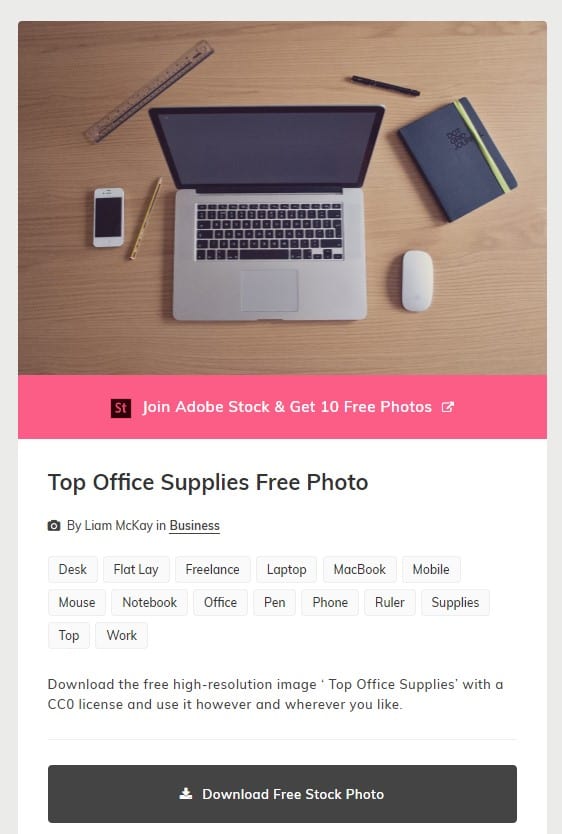
Picjumbo has search facilities to find the best photos as well as top search terms. There is also a big area on the home page of popular free images and the option to click a button in the top corner to find more images like this. So if you like it but it isn’t quite right, it is easy to find more.
It also offers a Premium version with over 5,000 photos available with prices starting from $10 a month with 30+ new images every month sent straight to your inbox and unlimited downloads.
Kaboompics
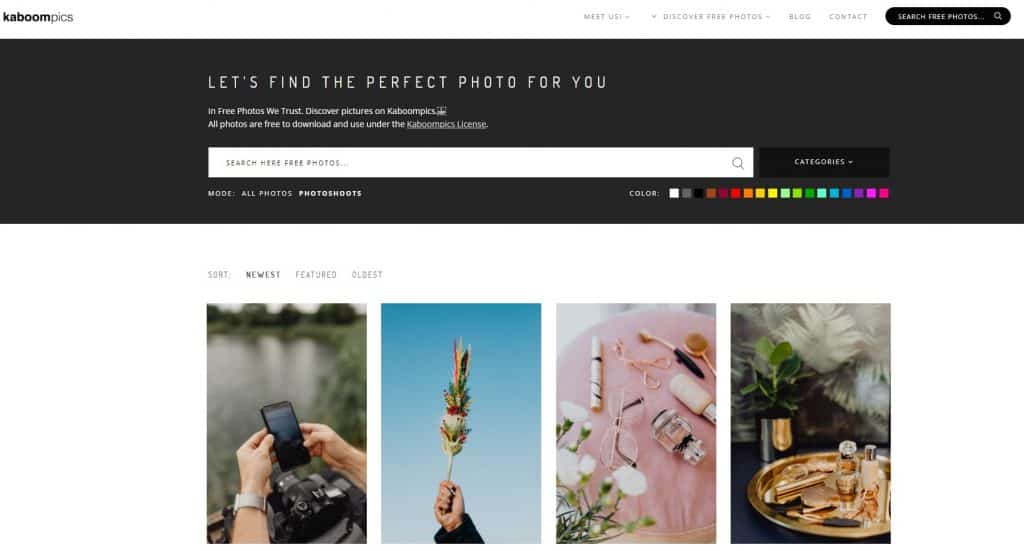
Kaboompics offered free stock photography and colour palettes with a simple search bar system to access images for commercial use. It has very stylish and well-taken stock photos and the home page has popular images to help inspire you and find more.
The Photo Shoots area is particularly handy as you can choose from a colour as well as search by keyword.
StockSnap.io
StockSnap.io allows you to find images by search or category with popular searches along the bottom of the search bar and also the most recently added photos below. Images are free from copyright restrictions and you can even add your own images if you take some and find you don’t need them.
My favourite paid stock image sites
There’s no doubt there are some great free stock image sites out there but sometimes you want something a little different, a little less frequently used. And the answer to that is paid stock image sites. I currently have two that I pay for.
Ivory Mix
I’ve been subscribing to Kayla’s Ivory Mix site for a few years now and her images never disappoint. They are particularly handy for business topics where finding free stock images that aren’t too boring and ‘corporate’ can be tricky.
Her images are bright and colourful, very easy to use for social media graphics and she regularly creates new images every month. There are also extras such as social media graphics quotes you can easily add to images.

You can subscribe to the monthly plan and download images as they arrive plus help yourself to the back images. If you just want to buy a specific pack of photos, each has its own price. And there is a free stock library with over 500 photos available.
Haute Stock
Haute Stock is my other favourite place to get images. They have images that are very online business-friendly and easy to use in your social media graphics too. There’s a mailing list that gives you free samples if you want to test before you buy.
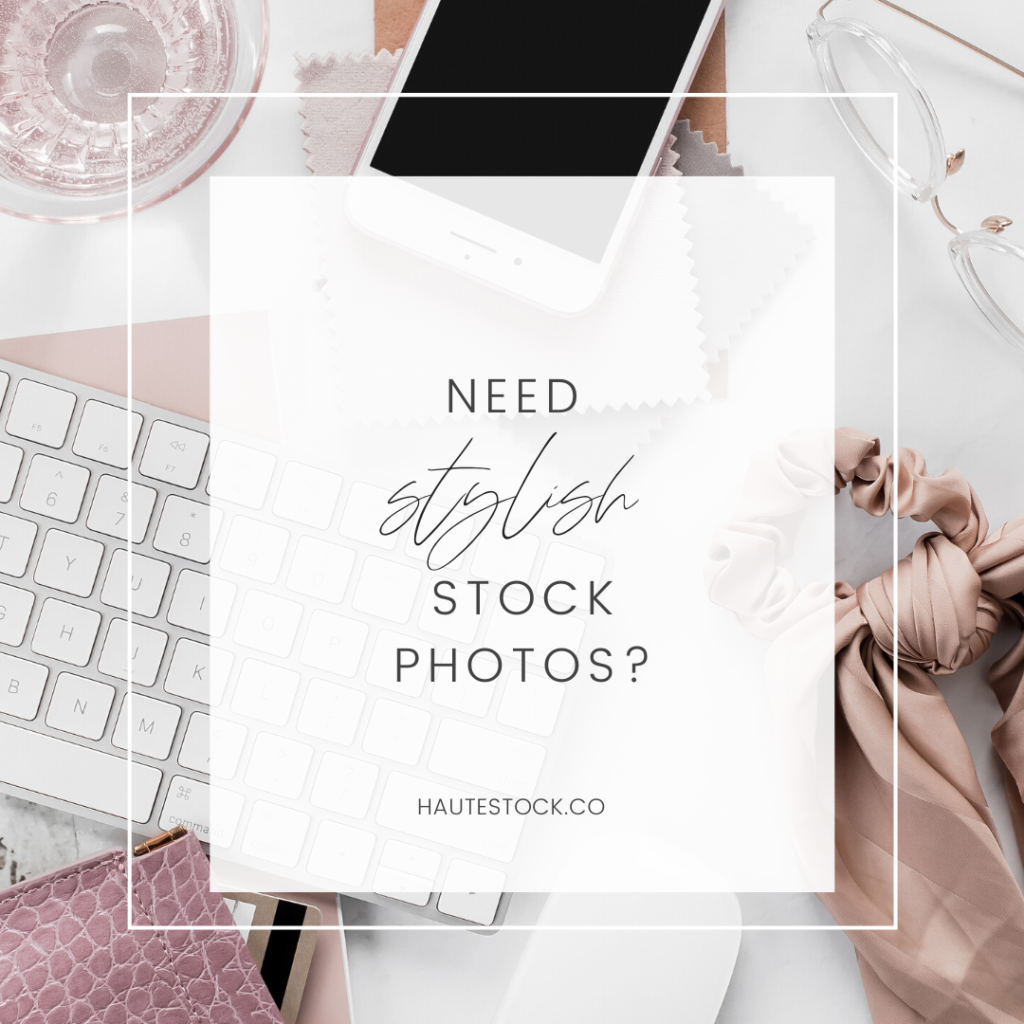
The membership includes an impressive range of items including lifestyle and desktop images, mock-ups, and pre-made social media graphics as well as seasonal images and even exclusive graphics packs.
New images are added weekly and there’s no limit to the number of downloads. There are two pricing options – $99 every three months or $299 every year. With both, you can cancel at any time. Plus they offer free stock images via email!
StockUnlimited
I recently got a very good deal from AppSumo for this site – 3 years of access with unlimited downloads for $49. This site has a great range of stock photos that are organised by category or you can search.
Another interesting thing is the amount of graphics, vectors, and even fonts that are on the site. There are a few limitations – you can’t use the images in paid products such as eBooks or courses, but you can use them on your blog posts or social media.
If you want to check it out, here’s a 10% discount code.
Other paid stock image sites
Lastly, there are a few other paid stock sites that I have heard good stuff about but not used personally so I thought I would include them.
Adobe Stock
Adobe Stock is the paid stock photo site from the makers of Photoshop and Lightroom. They offer high-quality, editable images that you can find by a search as well as videos, templates, and even 3D images.
There’s a 30-day free trial in which you can download 10 images then the prices are for credit packs. For example, 5 credits are £29.95 and 40 credits are £180 (saving £60). You can also do subscribers which start from £19.99 a month for 10 images – this is an annual commitment, or you can pay more for a monthly version.
Depositphotos
I recently grabbed a good deal on Depositphotos through AppSumo but even their normal plans are often on offer with deals such as 100 photos for $100.
They have a massive selection of high-quality images as well as vectors and videos. Images are easy to search for and download in a range of sizes to suit your needs. They also have trending searches such as the colour of the year from Pantone.
Shutterstock
Shutterstock is the paid stock image site that you will often see advertised on free sites and has an impressive range of photos, vectors, illustrations, icons, footage, and even music. It has a built-in editor you can use or export to use in other programs. There are some free images available when you sign up for the newsletter.
In terms of pricing, there is the option to buy individual images from $19 a month for 10 images up to $119 a month for 750 images. You can also buy image packs at $29 for 5 images but these don’t include access to their in-built editor.
Death to Stock
Death to Stock offers ‘non-stock’ photos and videos for use on your websites. It has a free 14-day trial and then prices are $15 per month for small businesses or $25 a month for designers, agencies and anyone doing client work.
The perfect image
It is true that finding the perfect image can take a bit of work. But the more you use these sites, the more you pick up what is best to find where. For example, if I want images for pins for my food blog that are very elegant, I will look at Pexels and Unsplash. But if I am looking for more explanatory images of what food looks like, Pixabay has a wider range.
Whatever the case, stock photos offer an easy way to get the perfect image and enjoy those image benefits.