Pinterest Strategy – Do You Need One to Succeed?
I sometimes use affiliate links in content. This doesn’t cost you anything but I may make a commission payment from anything you buy through these links. As an Amazon Associate I earn from qualifying purchases. All opinions remain my own.
Social media strategy is a big topic – run a search on Pinterest and you will see loads of different articles with loads of different ideas. The same applies to Pinterest strategy. Everyone has their own and that’s good because there are no completely right or wrong approaches. So, I decided to take a look at what goes into the basics of creating one and what elements should it include.
Table of Contents
Having a business account
Before we start with questions of Pinterest strategy, let’s start with a quick look at your account. We’ve talked about keywords and Pinterest SEO before. Optimising boards, creating the right size pin, all of this is important.
But really, the first thing you need to do is make sure you have a business account. Because without it, you can’t access analytics and see what is working. You also can’t use Promoted Pins if you decide to go down this route later. And as a business using Pinterest, it is in their Terms of Service that you have one.
A Pinterest business account is still free to have and is easy to do. There’s a link on your profile that lets you convert to a business account. Fill out the information requested and there you go, you are now a Pinterest business.
Basics of a Pinterest strategy
The first step in creating a Pinterest strategy is to take a look at your audience. A cool tip from the ladies at Slaying Social is to also look at your future audience. So, what does that mean?
Let’s say you are a food blogger offering menu ideas for busy mums. Your ideal audience is around 25-35 at the moment and has kids who are anywhere from newborn to around 12-13 years old. Currently, they are searching for quick and easy meals for the family, healthy lunch options to send the kids to school with and maybe the odd smoothie idea for the fussy eater.
Then there’s your future audience. Once these women are used to coming to you for recipes, advice and meal planning, they will stick with you. And in a few years, they are now not primarily mums but are teenage mums and even maybe mums whose kids have left home. They want to eat healthier, spend a bit more time making meals for the two of them as well as preparing when the kids land.
While you don’t want to just pin for your future audience who aren’t here yet, you can start creating boards that cover both the now and the future. Healthy kids’ lunches, party food, healthy eating, cocktails – all of these can cover now and the future.
Also, think about what you want to be known for. Is it just as a mum blogger who offers recipes and food advice? Or do you want to be able to broaden your horizons as your own life changes and offer content applicable to that, just like your ideal audience? The choice is entirely yours. Maybe you want to go the other way and niche down to become a food blogger who only deals with healthy, plant based recipes.

What kind of content will you share?
The next thing to consider in your strategy is the kind of content that you want to share. Obviously, you will be sharing your own Pins relating to your own content but what kind of stuff do you want to share from other people?
Blog categories
One good starting point is the categories on your blog. If you have a very niche blog like this one, it might seem a bit limited. I mean there’s Pinterest tips, Pinterest tools, making money on Pinterest and then you get a bit stuck.
But as well as the direct categories on your blog, you also want to look at related topics. So, for me, I have general social media tips boards, blogging tips boards, affiliate marketing, SEO, graphics and similar topics. These are all things that people who use Pinterest for business and blogging are also likely to be interested in.

So, write the topics from your blog categories and then some topics that are related to them or commonly discussed by people using these topics. Instant series of boards and basis for what kind of content you will share!
Making multiple pins per post
You can also share different types of content on Pinterest around your blog posts. Each post can have more than one pin – just change the headline, the image, the design or anything else so they don’t all look the same.
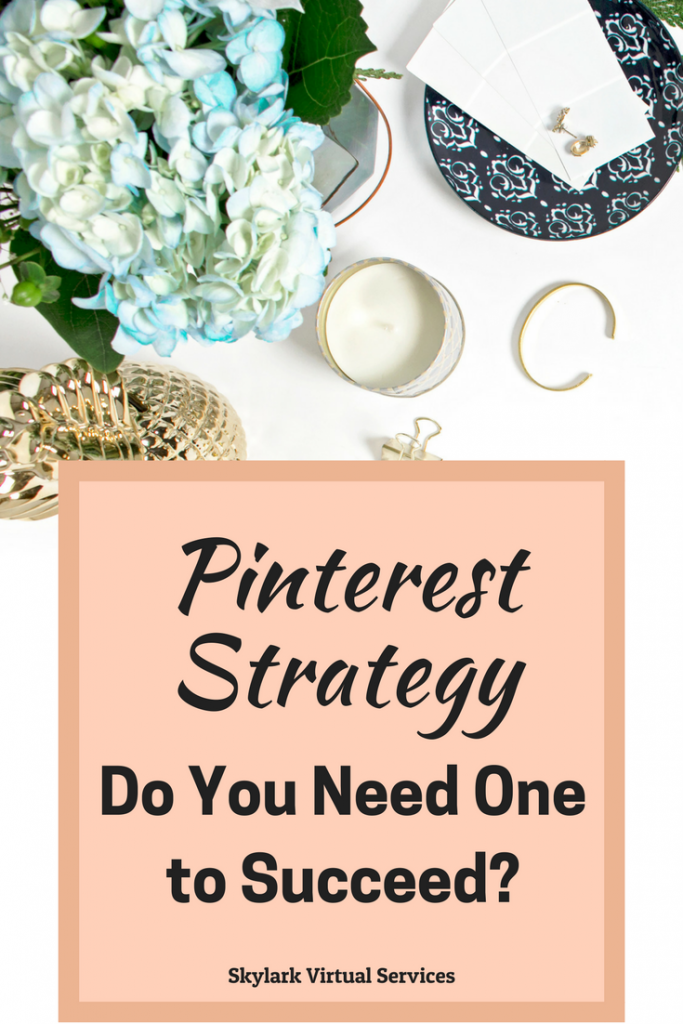
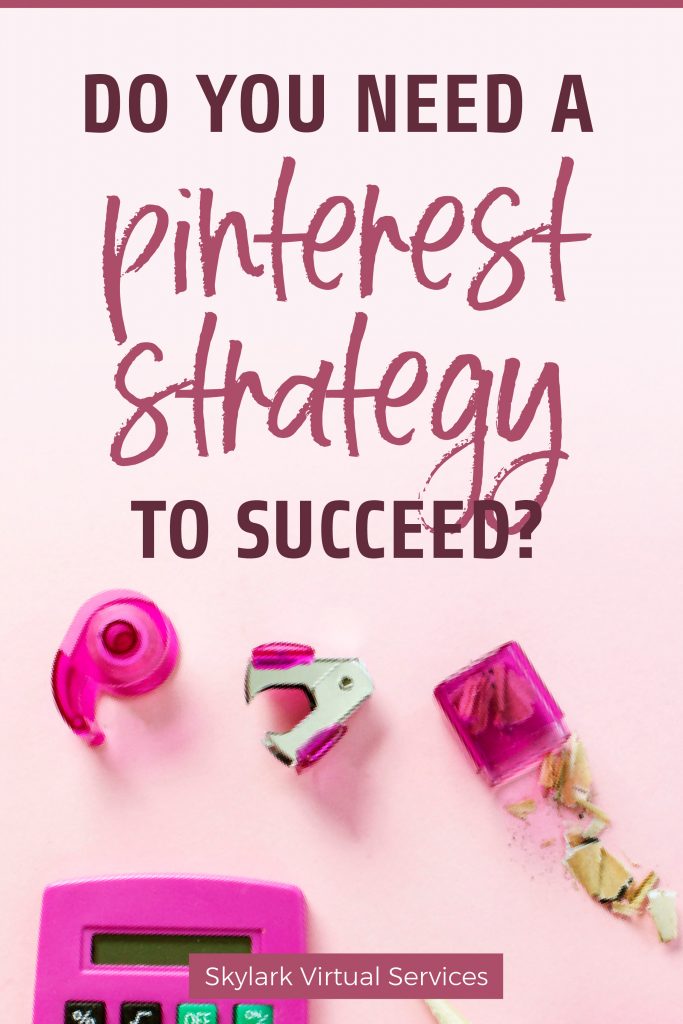
Above: two pins for the same post but looking very different
You might also want to create an infographic to go with it accenting the most important points. You could even create quote pins using snippets from the article and directing people to the post for the rest.
Creating a strategy
Armed with the who and what, you can now start with the where – where on Pinterest will you share your content?
Own boards
First is the obvious one – your own boards. Because you have category specific boards, you can pin to them. And then there are other boards the pin will be suitable for – so for me, this article’s Pin would go on the Pinterest Tips boards but also the social media tips board. Maybe even one on organisation and productivity or content marketing.
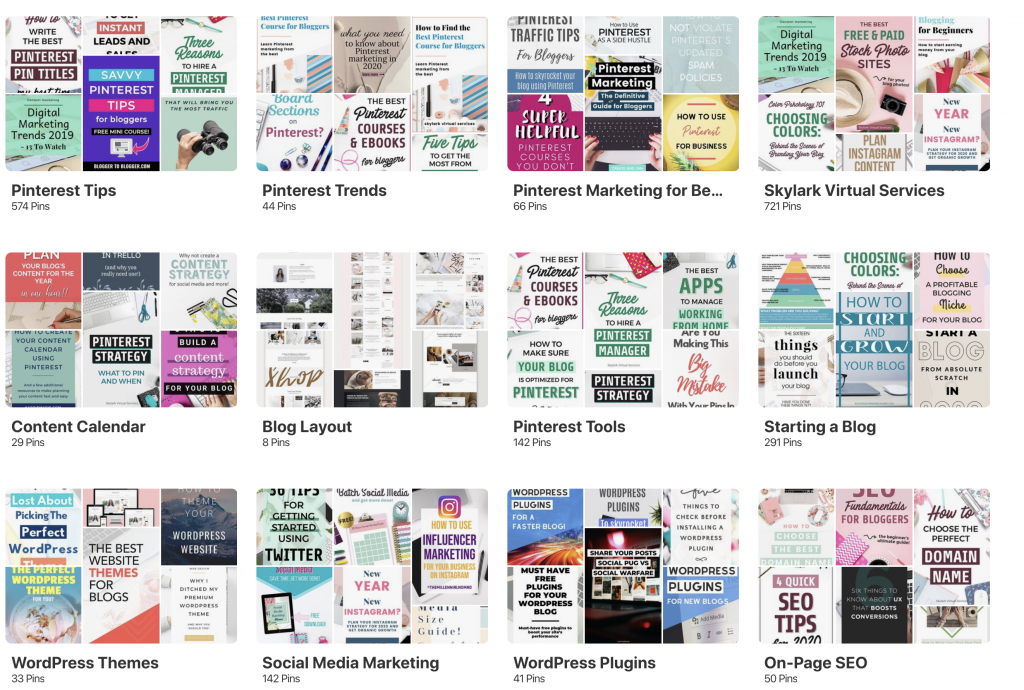
The core part of your strategy should involve pinning to your own boards. Aim to have 3-5 boards that every pin can go on, more where possible. This helps Pinterest to understand the pin and increases the chances that it shows in a keyword search.
Group boards
The other place is group boards. There’s a lot of chat about them but they are still worth including in your strategy. Remember to keep track of which ones are active and adjust your pinning frequency depending on this. If there are 1000+ pins added every week, you can pin yourself once a day and not spam the board.
Group boards can be useful as a secondary way to spread your pins. But you should monitor them. Massive, multi-topic boards don’t always help your profile while smaller, niche ones can. Tailwind has its board inspector which is a great way to monitor how well a board is performing and you can use the Pin Inspector to see if your pins on that board are being repinned.
Tailwind Tribes
The final element to consider is Tailwind Tribes. Tribes are open to everyone now and you can upgrade to access more. They are very successful for some and I’ve seen good traffic by putting some daily work into them. They are definitely worth trying and work like group boards.
Regular jobs
With all this information, the final step to take is to create the Pinterest strategy. Strategy can sound so technical, but it is really just a series of aims that are paired with tactics you are going to follow laying out what you are going to do. For me, this revolves around daily, weekly and monthly jobs as well as some periodical and seasonal tasks.

So, some of the elements of your strategy could include:
Daily & weekly
- Pinning every day – take five minutes (over breakfast if you are like me) and manually pin a few pins. This shows Pinterest you are a frequent user and contributes to your standing in the Smart Feed
- When you publish a new post, add it to your blog board that only contains your content. Then schedule it to go out to other relevant boards
- Once a week go through group boards and Tailwind Tribes and fill the queue for the following seven days with other people’s content
- Once a week check analytics for your website and note them down on a spreadsheet or Airtable base so you can see how things are working
Monthly
- Note down monthly figures to see how things are working using Pinterest and Google Analytics
- Check your group boards and Tribes to see if any aren’t helping you and leave them
- Look for new group boards or Tribes to join
- Look at topics covered in the last month and see if any new boards need to be created to cover them then schedule some content for them
- Look at older boards with little activity and see if you need to do some tidying up and adding new content or if they should be relegated to a secret board (remember, never delete a board as you can lose followers)
- Look at analytics for this month last year and see what your most popular posts were then create new Pins for them
Periodical
- Look at seasonal content such as Christmas, Halloween or Easter and see how your boards look from last year. Do this the quarter before the event so you can start pinning and build up their presence
Pinning pattern ideas
The last element of the strategy is deciding how many pins you want to schedule a day and any patterns you want to use for your own pins. There are lots of ideas for this.
I personally pin around 30-40 pins a day, most of which are from my blog. I use Smart Loop to recycle older content then add my new pins for the week and a few from other people, mostly to meet Tribes requirements.
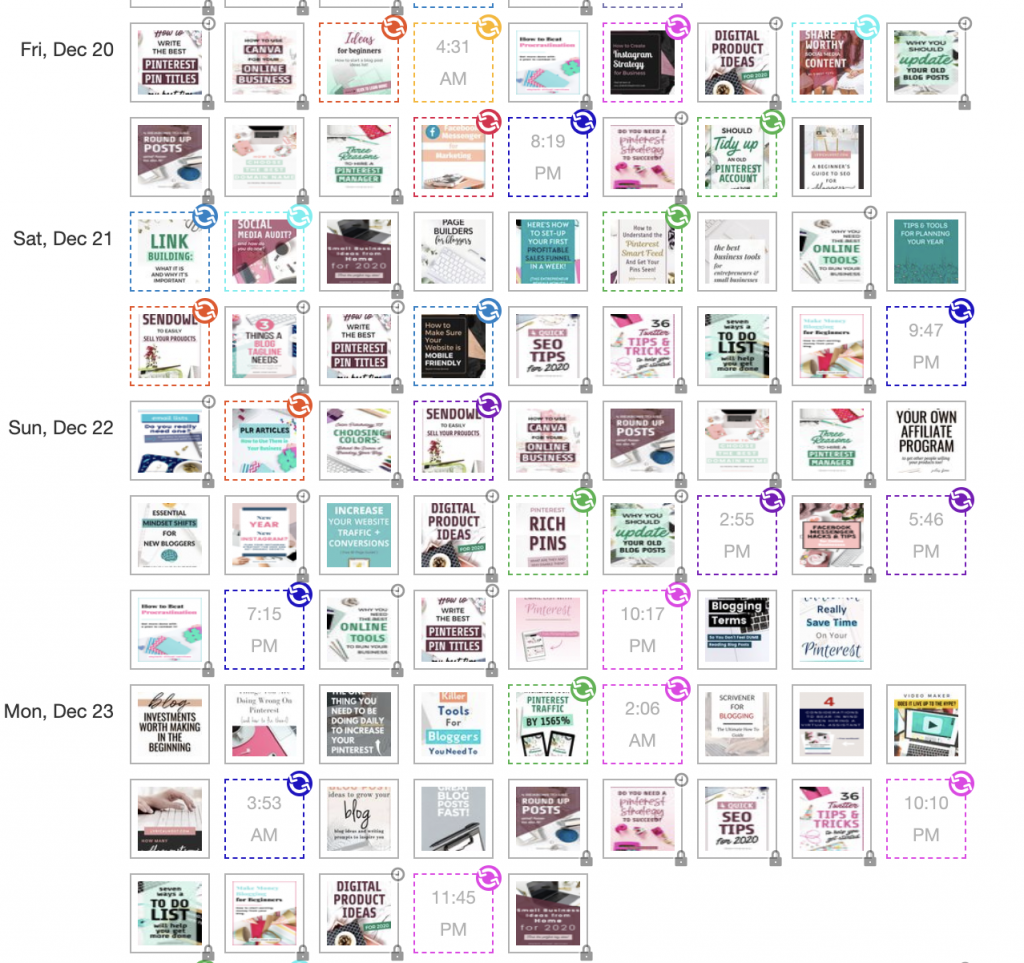
Most experts recommend no more than 50 pins a day while others say 100. I say find what works for you in terms of the time it takes to find them. Pin 10 a day for a month and then increase it to 15 and see if your analytics also increase. Use a tool like Tailwind to make it easier to batch. And don’t be afraid to manually pin when you have a little time.
The important thing is the quality not the quantity of the content you share. If you pin 70 a day but most of them have dead links, aren’t good quality images or don’t relate to your topics, your account isn’t going to win points from the Smart Feed. Be clever and make the most of your time to pin quality content that you would be interested to read – and there’s a good chance your audience will too.
Study and change your strategy
A Pinterest strategy is a fluid thing that needs to be checked on a regular basis. Monthly monitoring and a quarterly assessment can be good steps to see what is working and where changes are needed. Don’t be afraid to make changes if there is clear evidence it is needed!